01
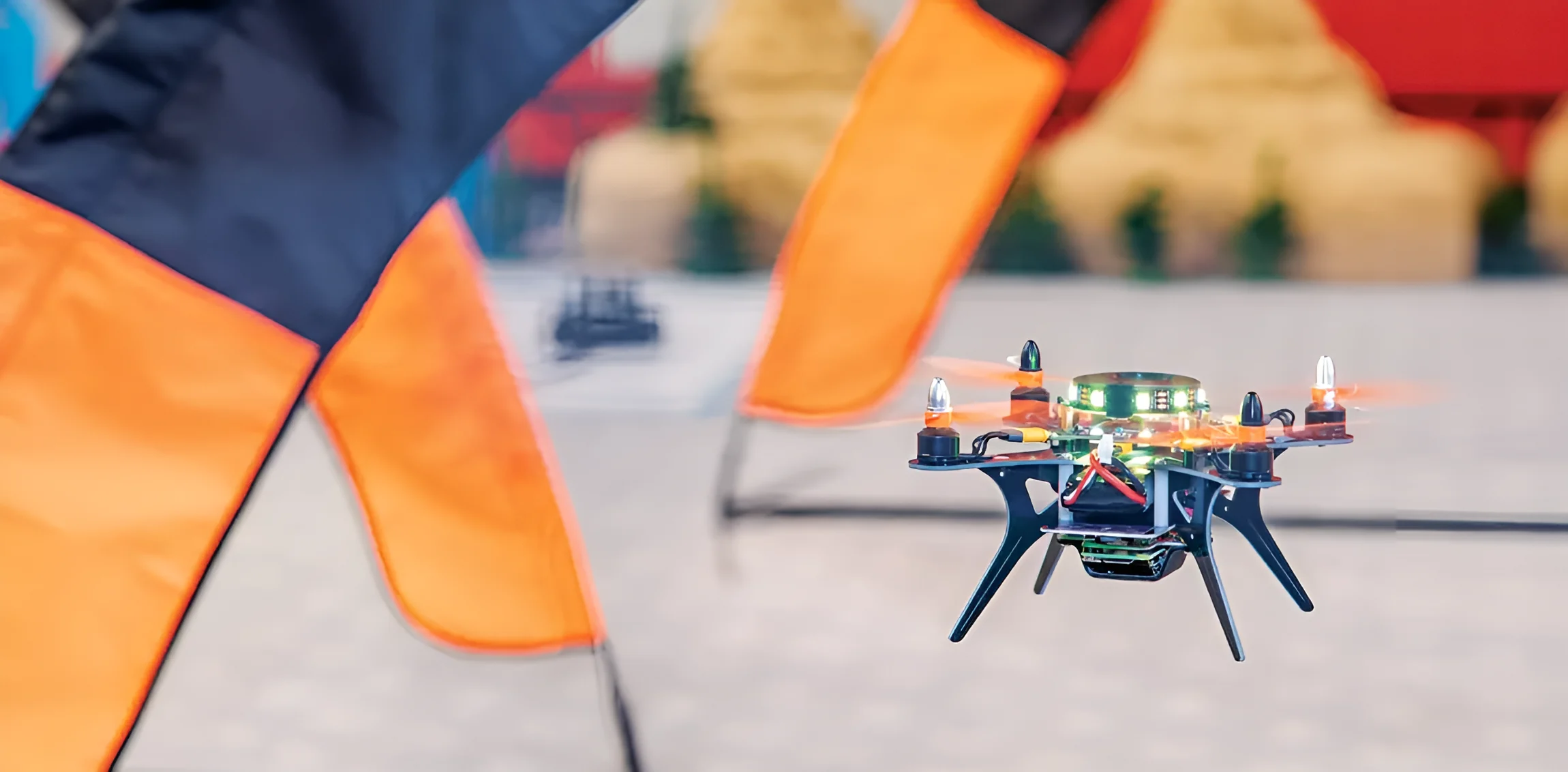
Piloting
Safe, supervised flying indoors and out, from a first hover to timed courses and missions.
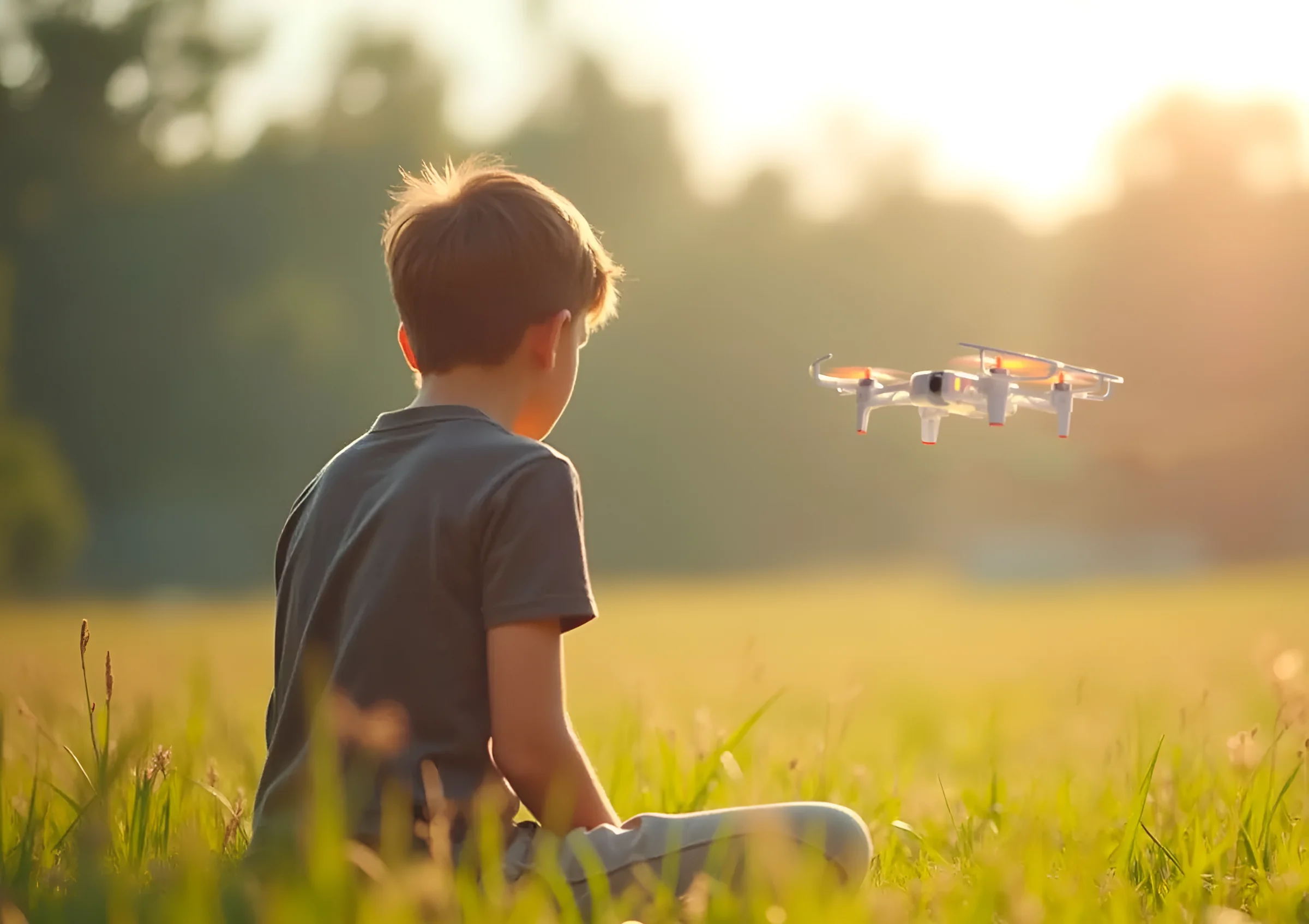
Polaris Drone Labs equips Indian schools with drones, flying arenas, simulators and coding tools, so students aged 6 to 17 learn by flying, coding and designing.
A Polaris Drone Lab turns physics, coding and design into something students can hold, fly and fix. We supply the drones, the arena, the software and the lessons, and help your school run the lab.
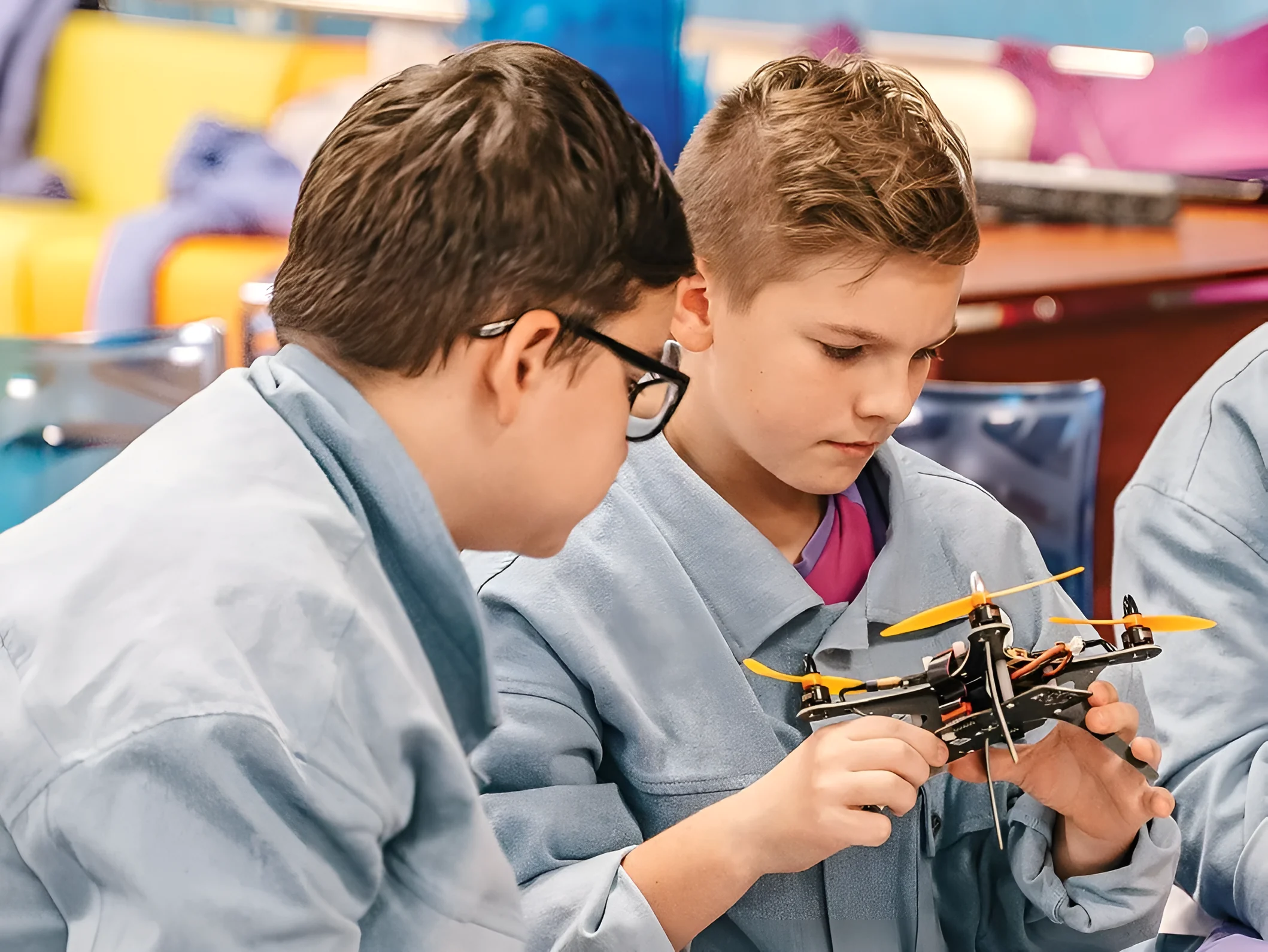
Every lab teaches all three, so students who love flying, coding or designing all find their way in.
Safe, supervised flying indoors and out, from a first hover to timed courses and missions.
Flight missions built with visual blocks first, then written in real code.
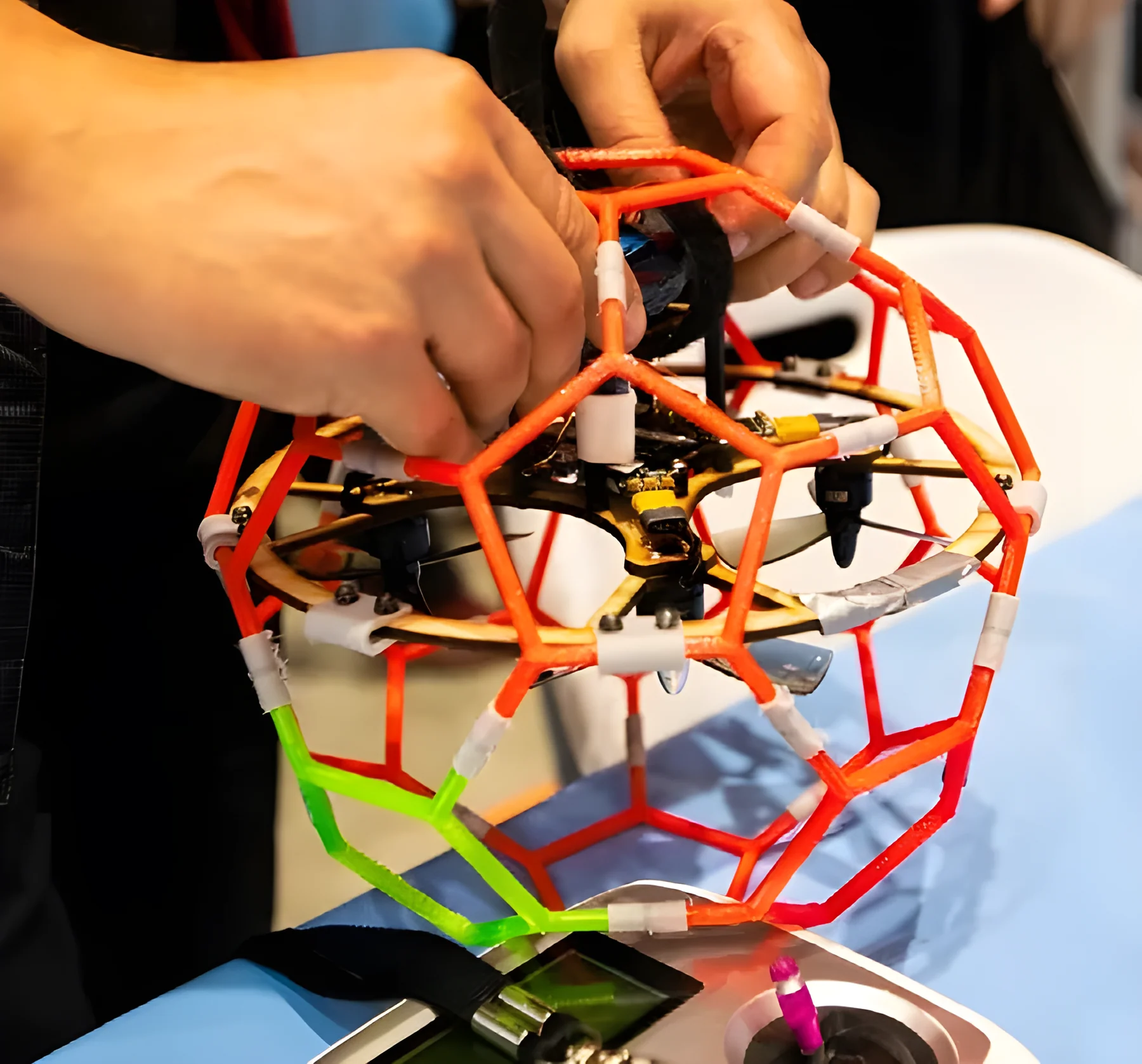
3D modelling and prototyping of parts that students print, fit and fly.
Join teachers, parents and students sharing flights, projects and ideas.
The same lab grows with your students, from primary to senior secondary.
 6–9years
Hovering, landing and flying safely indoors, with simple block coding.
 10–13years
Planning routes, programming flights and working as a team.
 14–17years
Building drones, 3D modelling parts, writing real code and preparing for competitions.
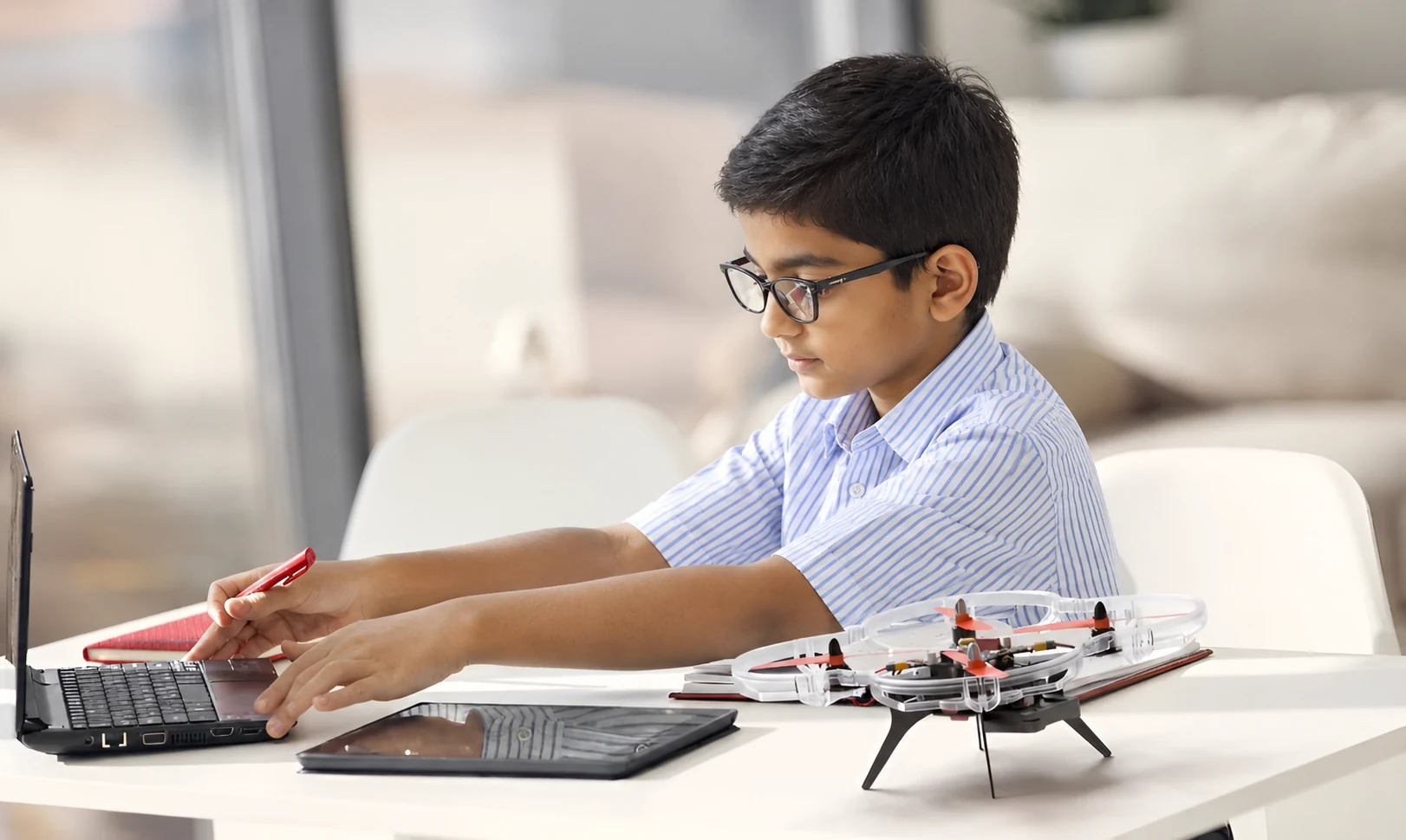
From a first hover in Class 1 to engineering projects in Class 12, one Polaris lab grows with your students.
Every Polaris drone runs on the same software and lessons, so students move from a first hover to engineering projects without starting over.
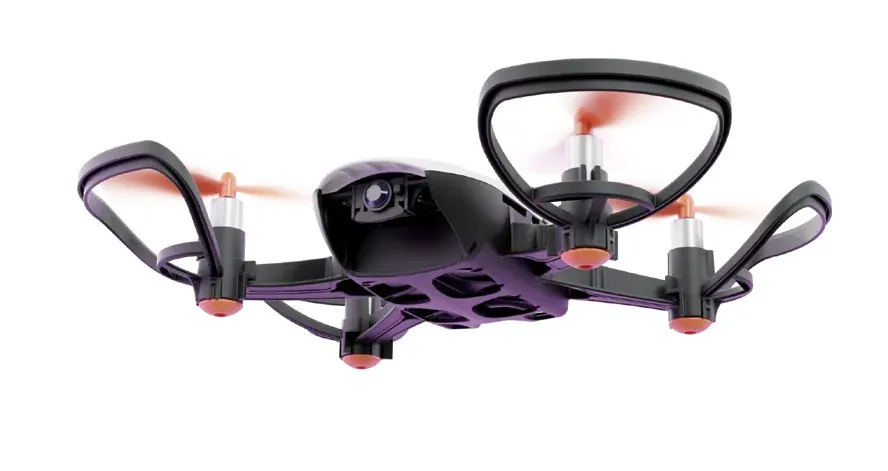
Built for STEM learning, the Spark S1 lets students develop in several subjects at once: programming, physics and maths. It opens up robotics classes and competitions, and flying it from a smartphone with the Polaris Pilot app keeps the first lessons simple and fun.
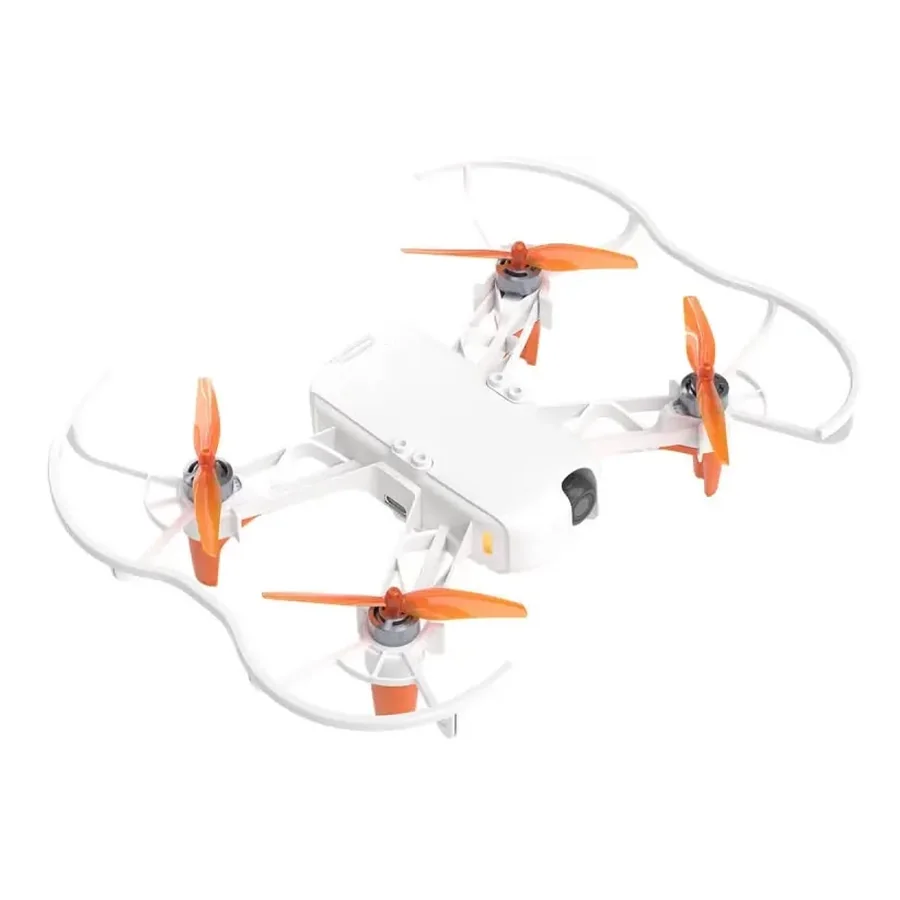
A neural accelerator processes images on board, and a high-resolution camera sits on a servo gimbal. Students learn artificial intelligence, master piloting and build engineering skills by designing their own payloads. It is easy to learn and safe to use, which makes it a strong fit for robotics classes.
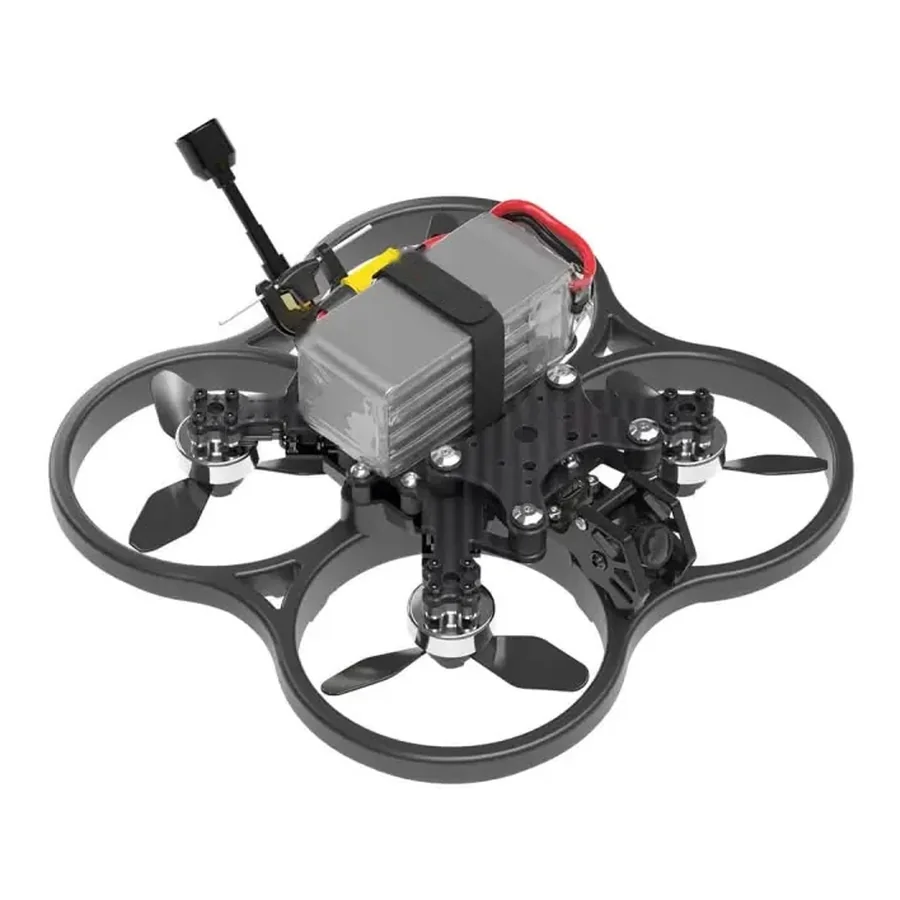
A fast, powerful quadcopter for immersive first-person-view flights indoors and outdoors. Its frame, motors and FPV camera make it ideal for sharpening piloting skills, filming footage and preparing for drone racing. The updated flight board works with the rest of the Polaris ecosystem, so students can also programme and modify it.
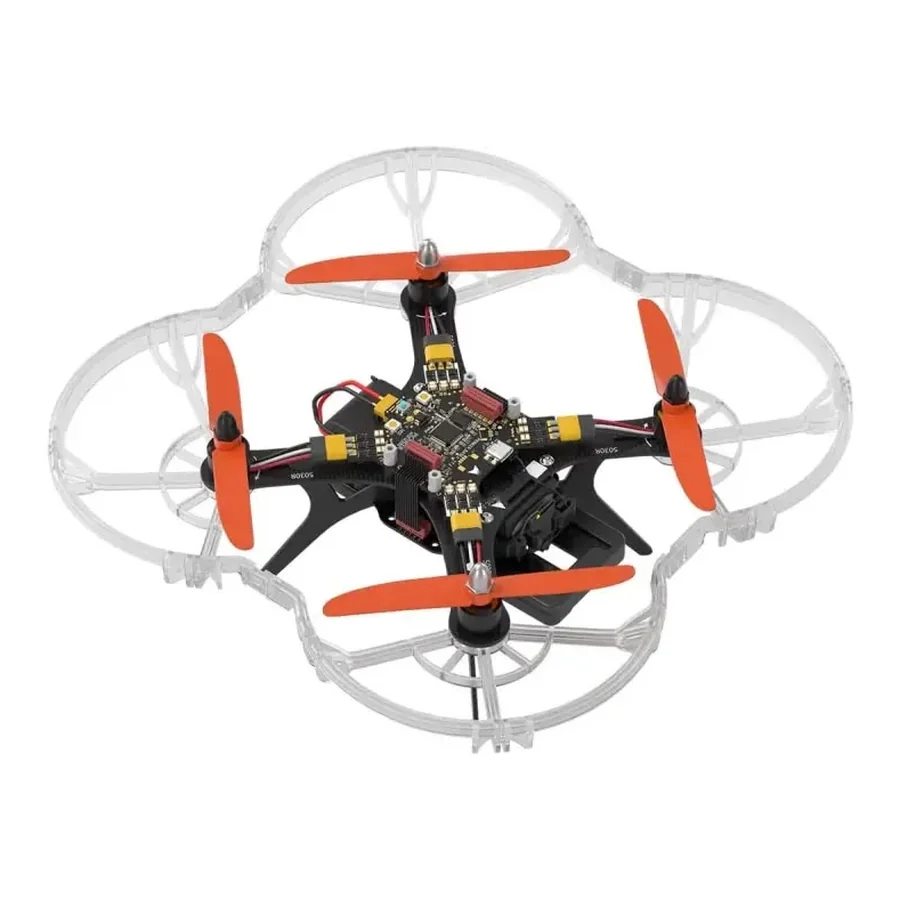
A kit for building and programming drones, made for schools, aeromodelling clubs and robotics clubs. Students learn practical skills and discover modern careers. A simple design and open blueprints let them replace almost any part, from the frame and propeller group to the modules, and create a quadcopter that is truly their own.
Key figures side by side. Pick a drone above to see its full specification.
| Specification | Spark S1 | Vega AI V1 | Comet C1 | Orion O1 |
|---|---|---|---|---|
| Flight time | ||||
| Top speed | ||||
| Weight | under 100 g | under 150 g | under 500 g | 355 g |
| Motors | Brushed | Brushless, 4 motors | Brushless | Brushless, 1306 3100 KV |
| Control | Smartphone | Smartphone and remote | Remote with FPV goggles | Remote, autopilot missions |
| Size, assembled | 175 × 140 × 38 mm | 170 × 220 × 55 mm | 180 × 180 × 75 mm | 290 × 290 × 120 mm |
| Best for | First flights and block coding | AI and camera projects | FPV piloting and racing | Building and engineering |
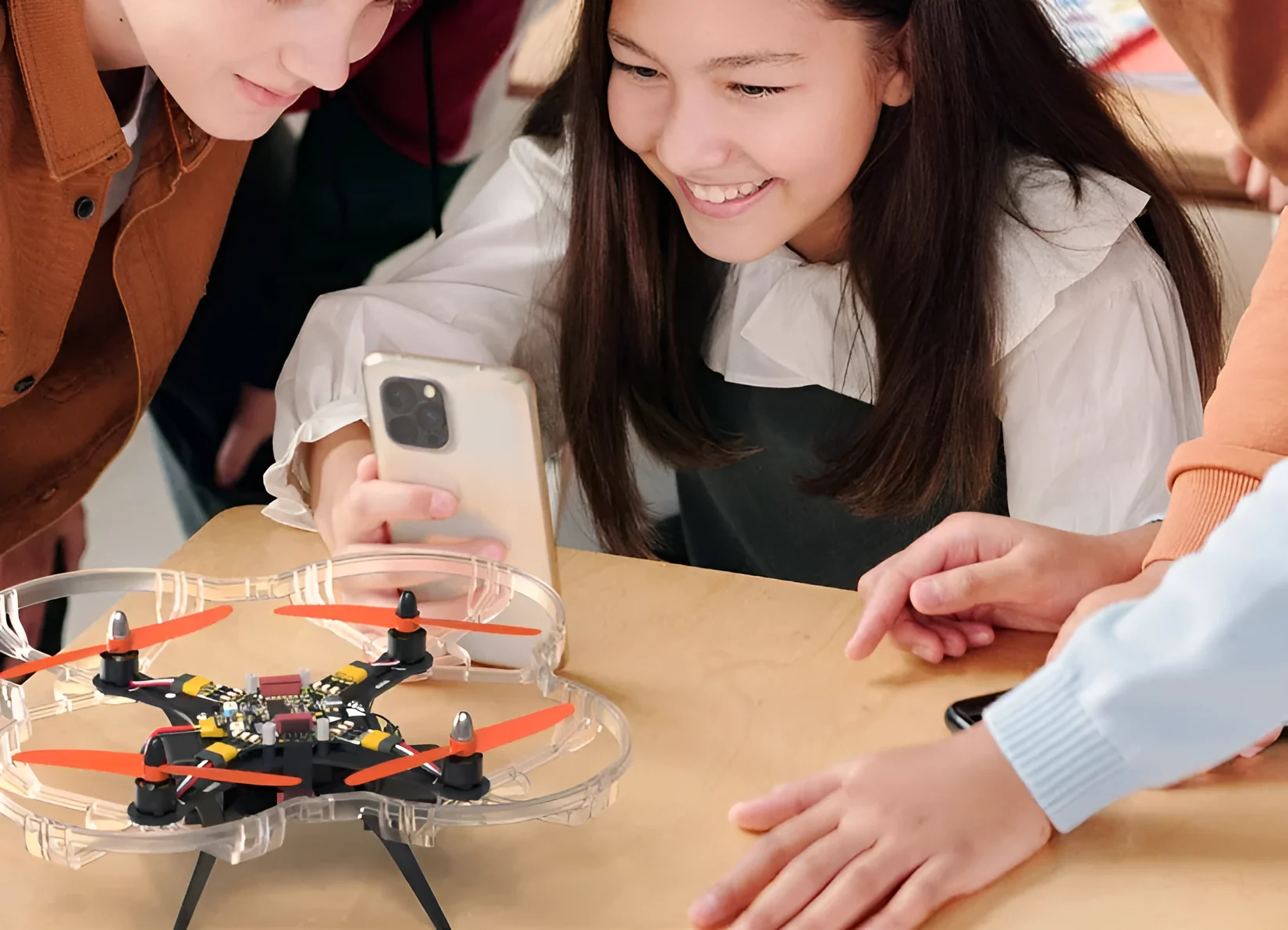
Each Polaris kit comes with a quadcopter, software, optional modules and teaching material. Students start with visual blocks and grow into text programming, one step at a time.
Optional modules plug into Polaris drones and widen what students can build, from Wi-Fi projects to cargo runs and light shows.
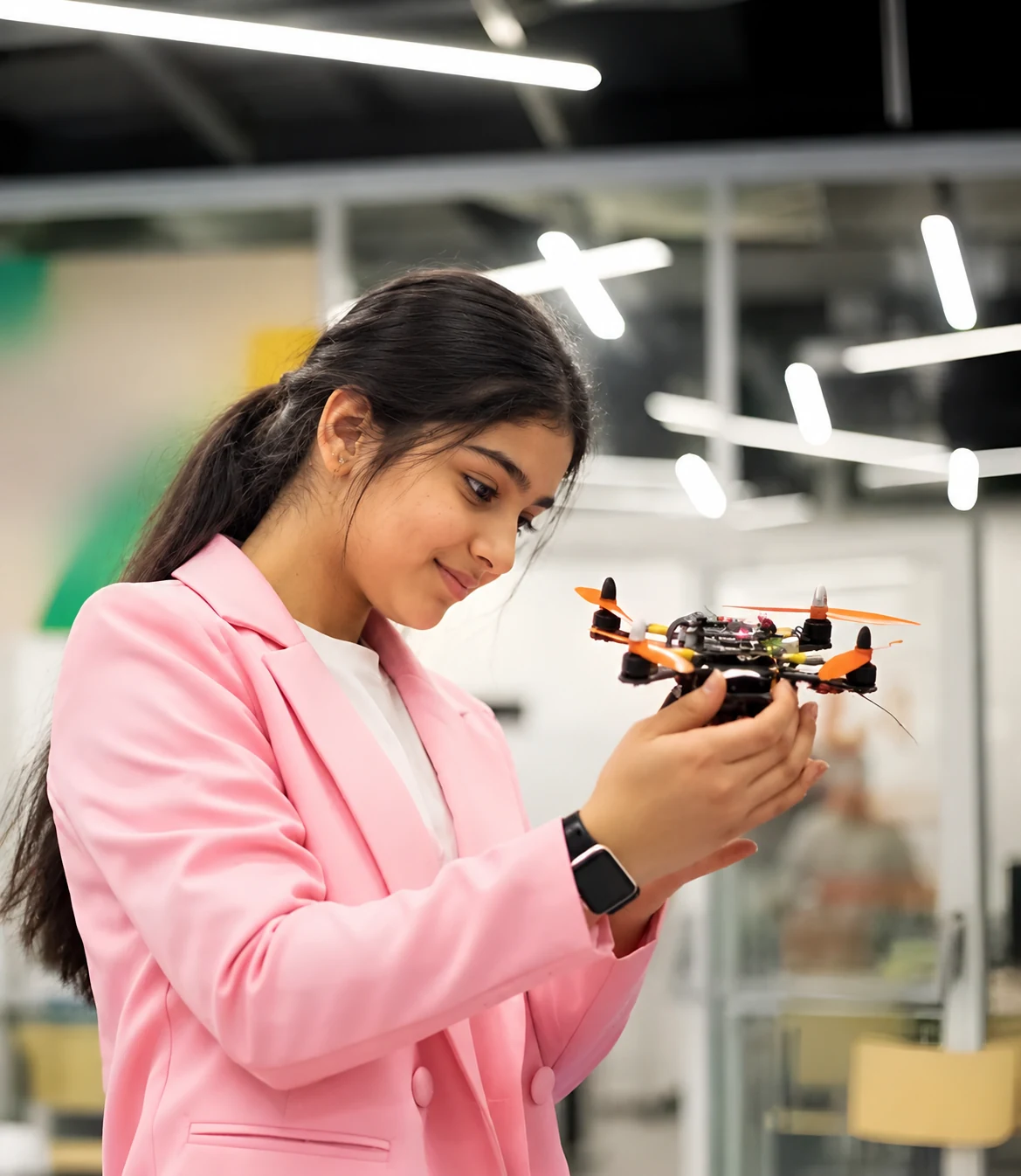
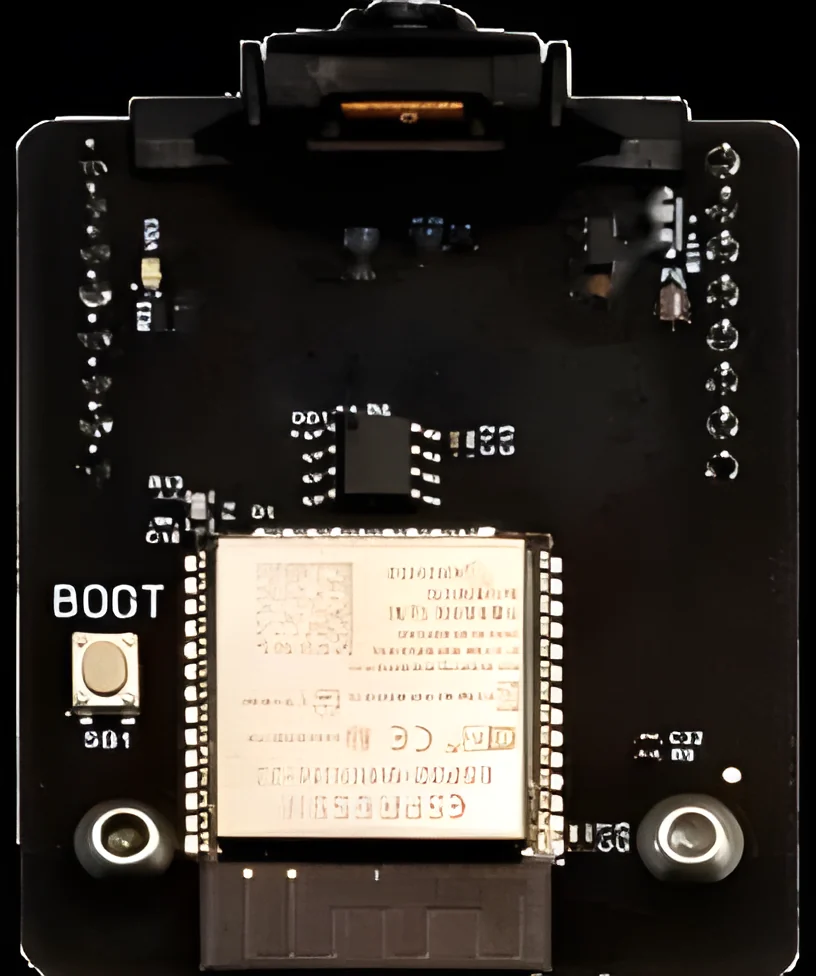
Sends data and commands over Wi-Fi, and its camera opens up aerial photography and gesture-controlled flight projects.
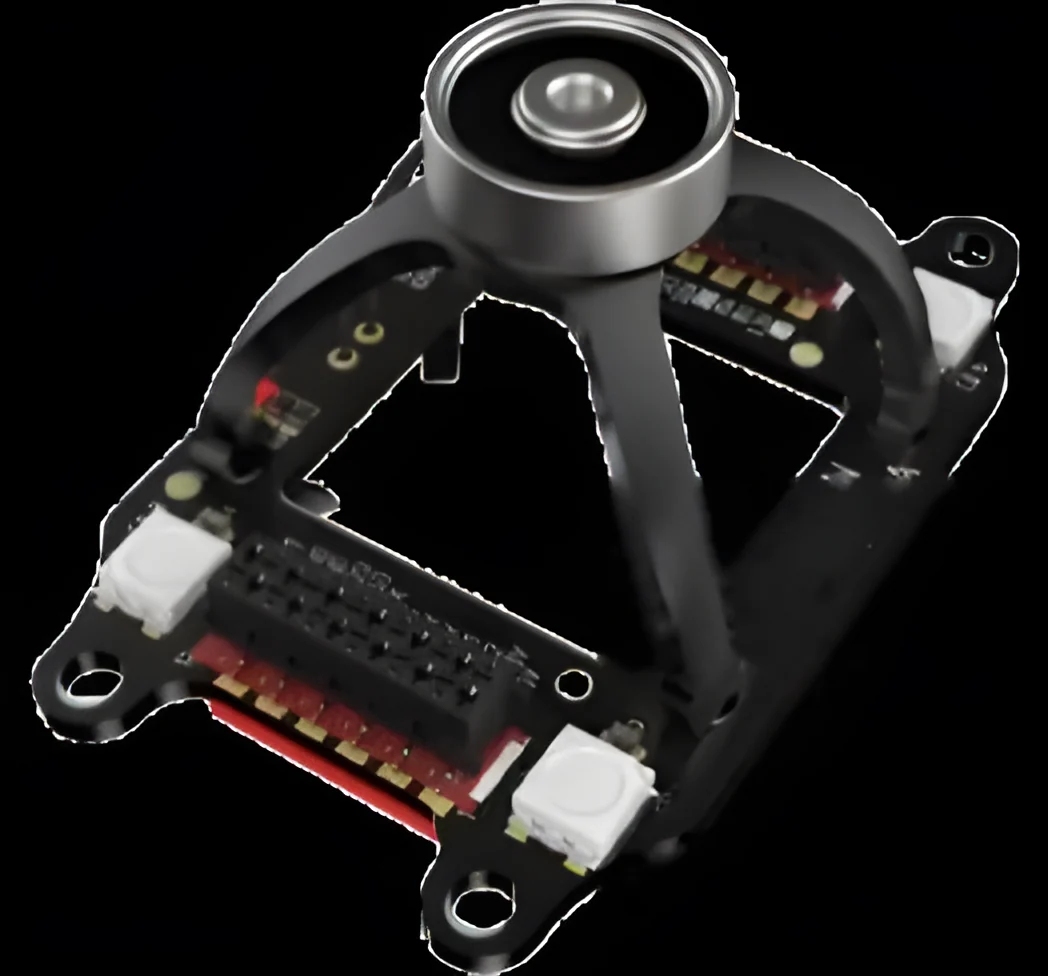
Picks up and moves magnetisable objects weighing up to 50 grams, turning the drone into a delivery robot.
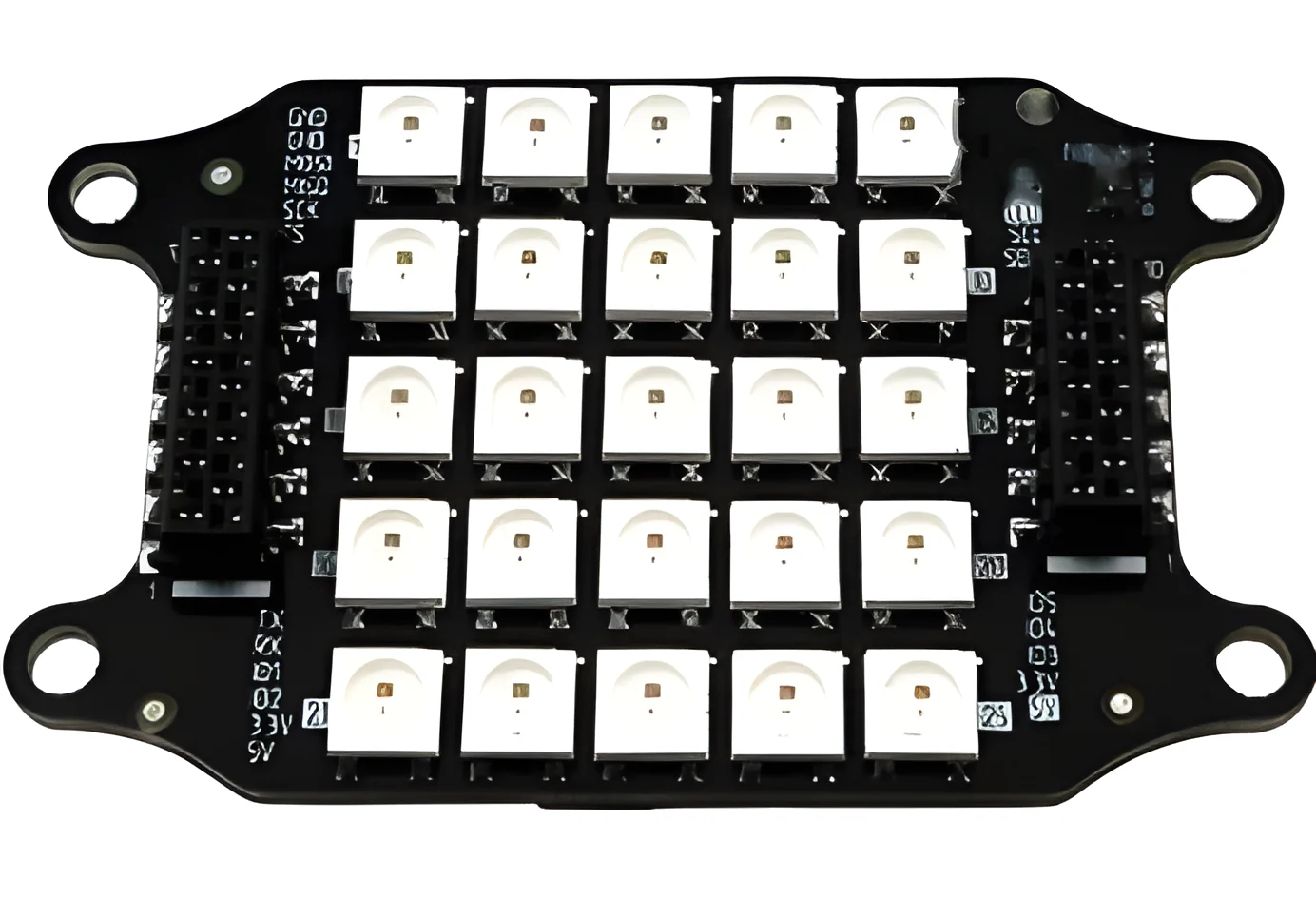
Shows images, symbols and animations, and creates light effects in the air.
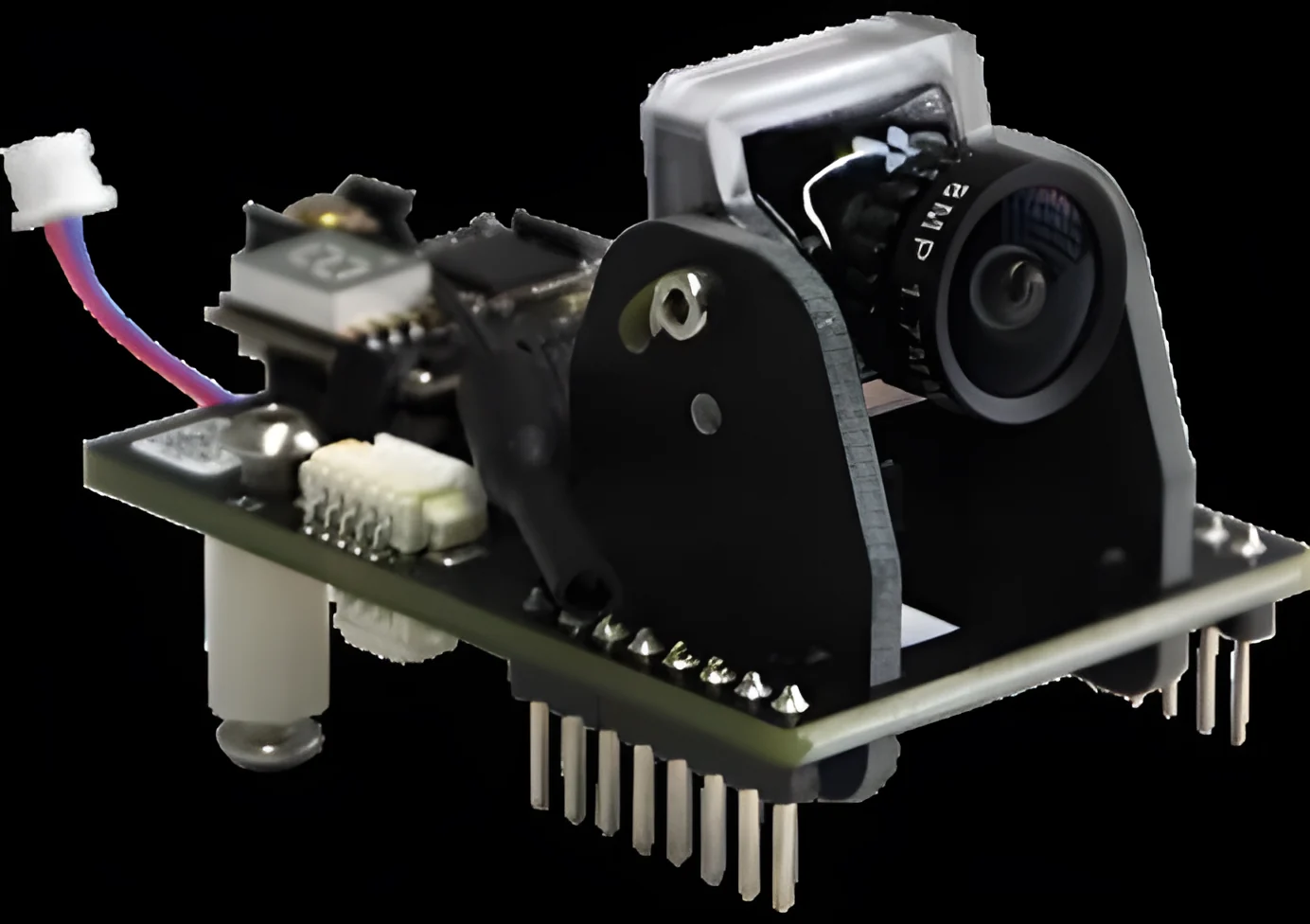
Adds first-person-view flight and streams the camera image in real time.
Vega AI V1 carries a 13 MP camera that records 2K video at 30 fps on a servo gimbal tilting from −90° to +30°. Students frame their shots in the air, turning a flying lesson into a photography and film project.
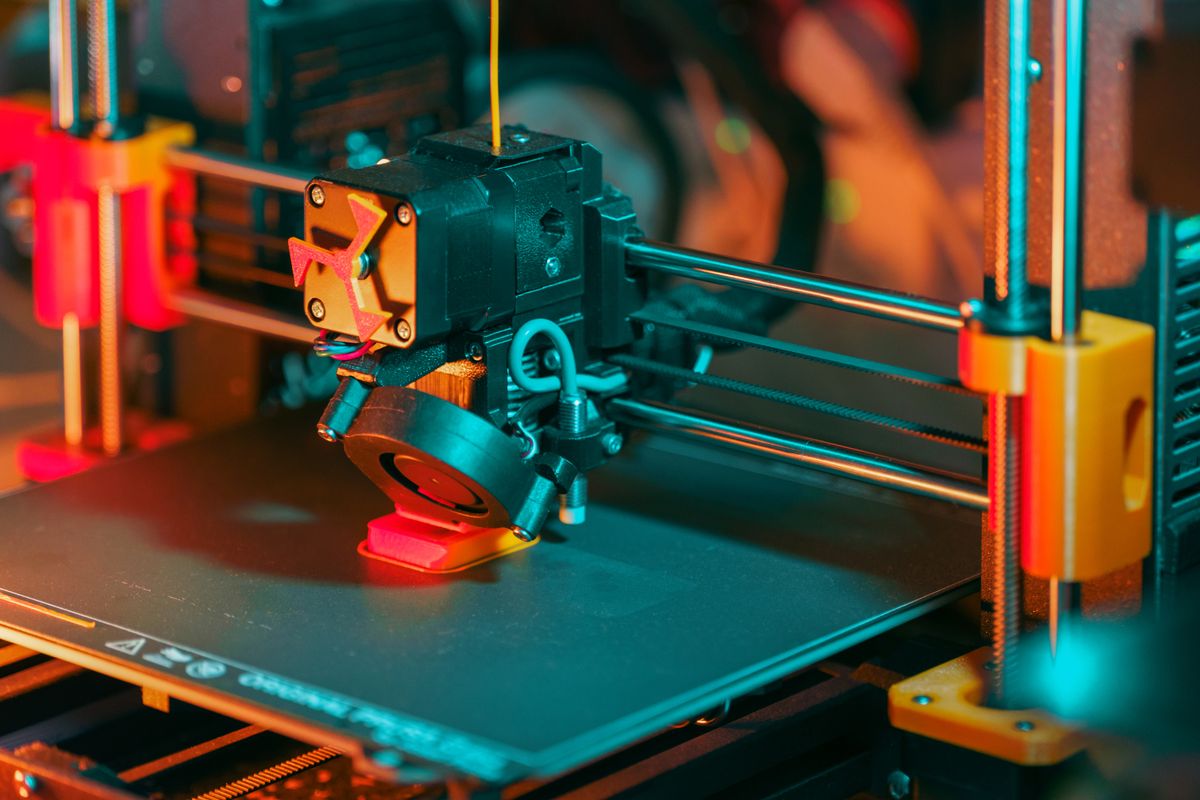
Design a new part on screen, print it in the lab and fit it to the drone the same day.
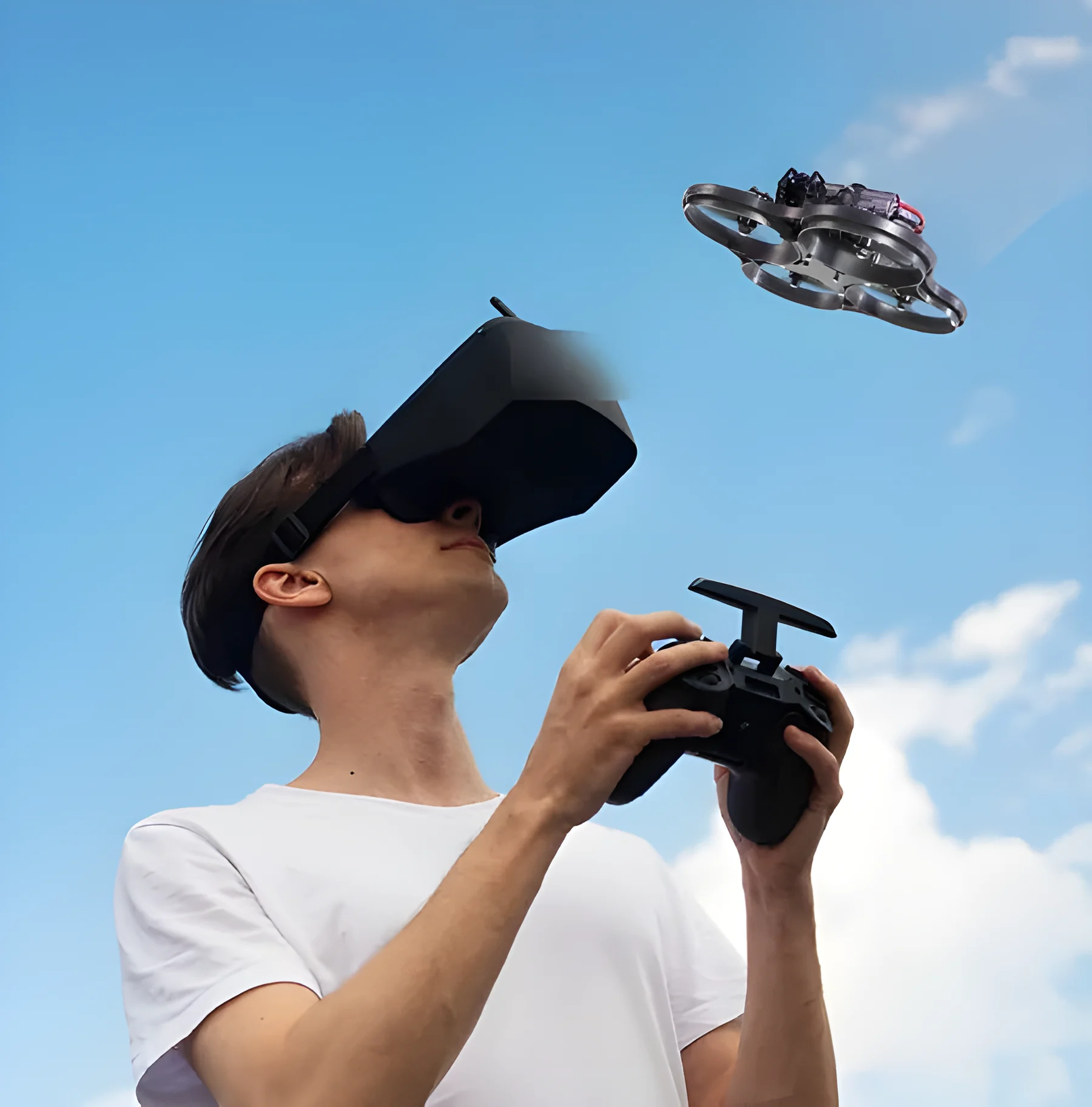
A structured path from simulator to real flight, so every student builds skill and confidence before taking off. Advanced pilots move on to first-person-view flying with goggles and acro mode.
Satellites can't reach inside a school hall, so Compass brings its own. Ultrasonic emitters, run by a stationary module, act as satellites, letting several drones know exactly where they are and fly programmed missions together.
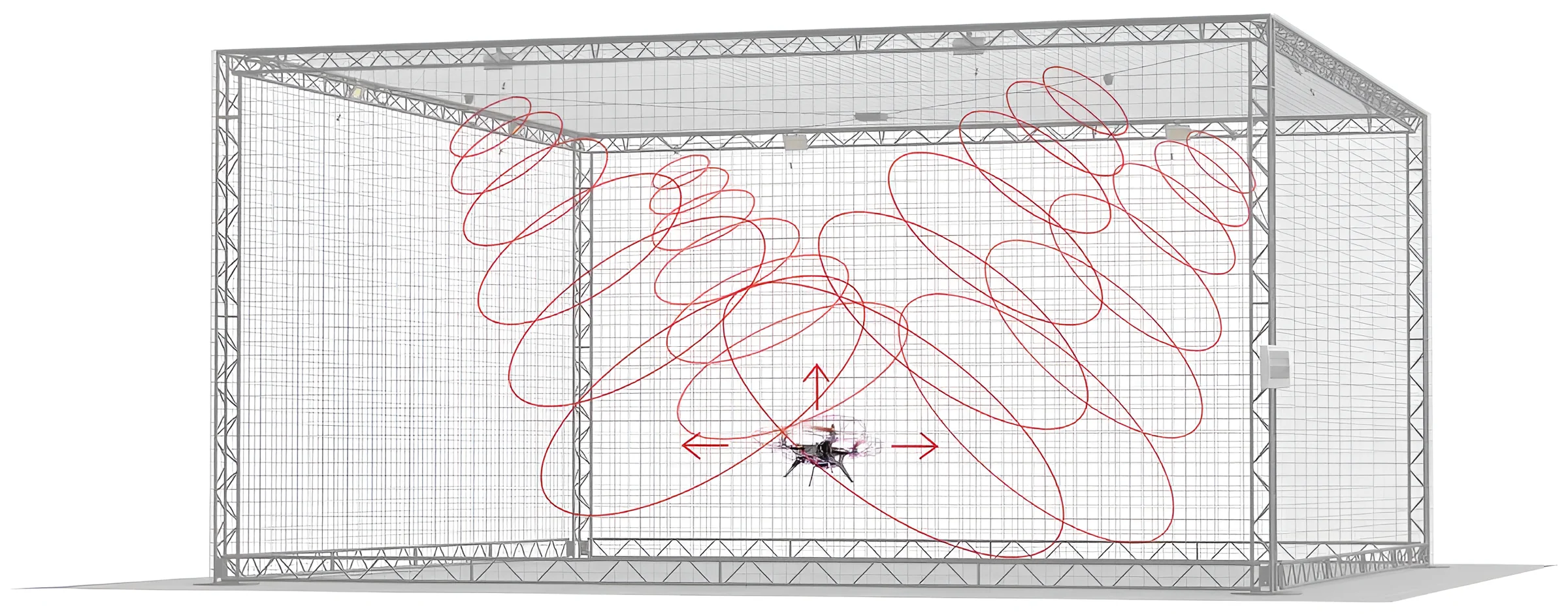
Four beacon emitters are placed at set points around the room. Together they create a flight area where every drone works out its own position in three axes, using ultrasound. That makes autonomous flights, swarm launches and indoor shows possible, and lets drones work alongside other robots.
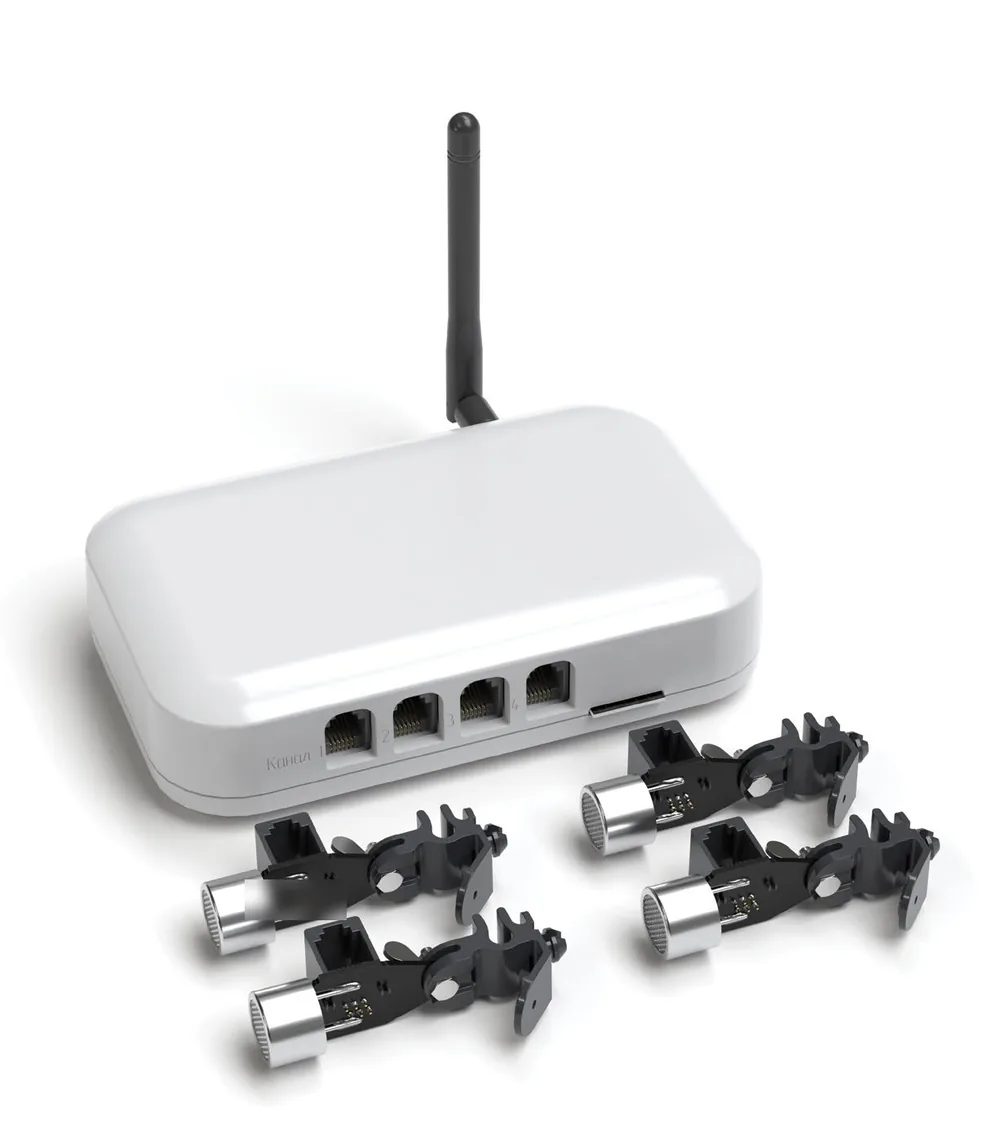
With Compass IPS-1 in place, a whole fleet can fly as one. Two ready-made sets bring group flight into the classroom.
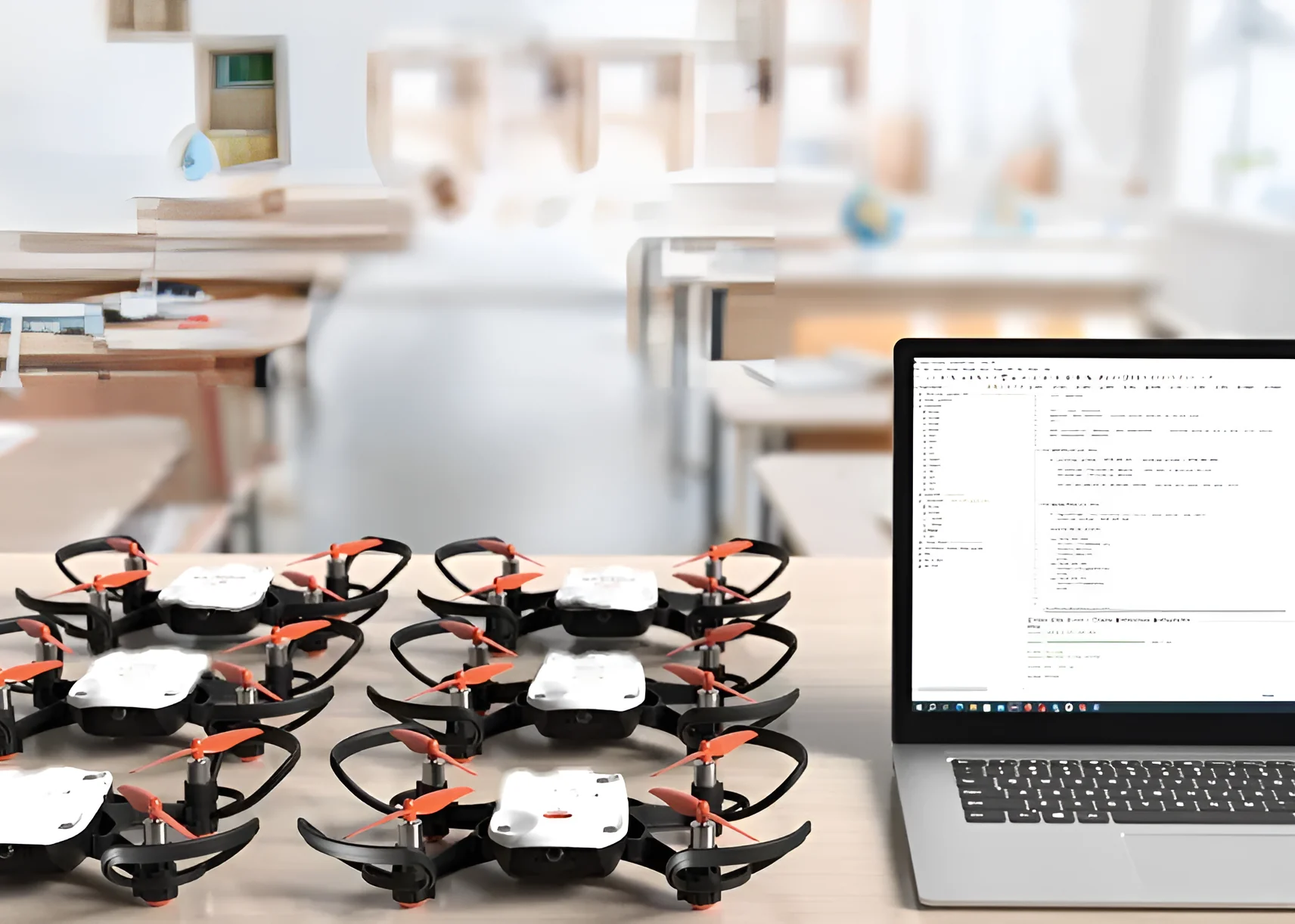
Ten Spark S1 or Orion O1 drones fly together indoors under one program.
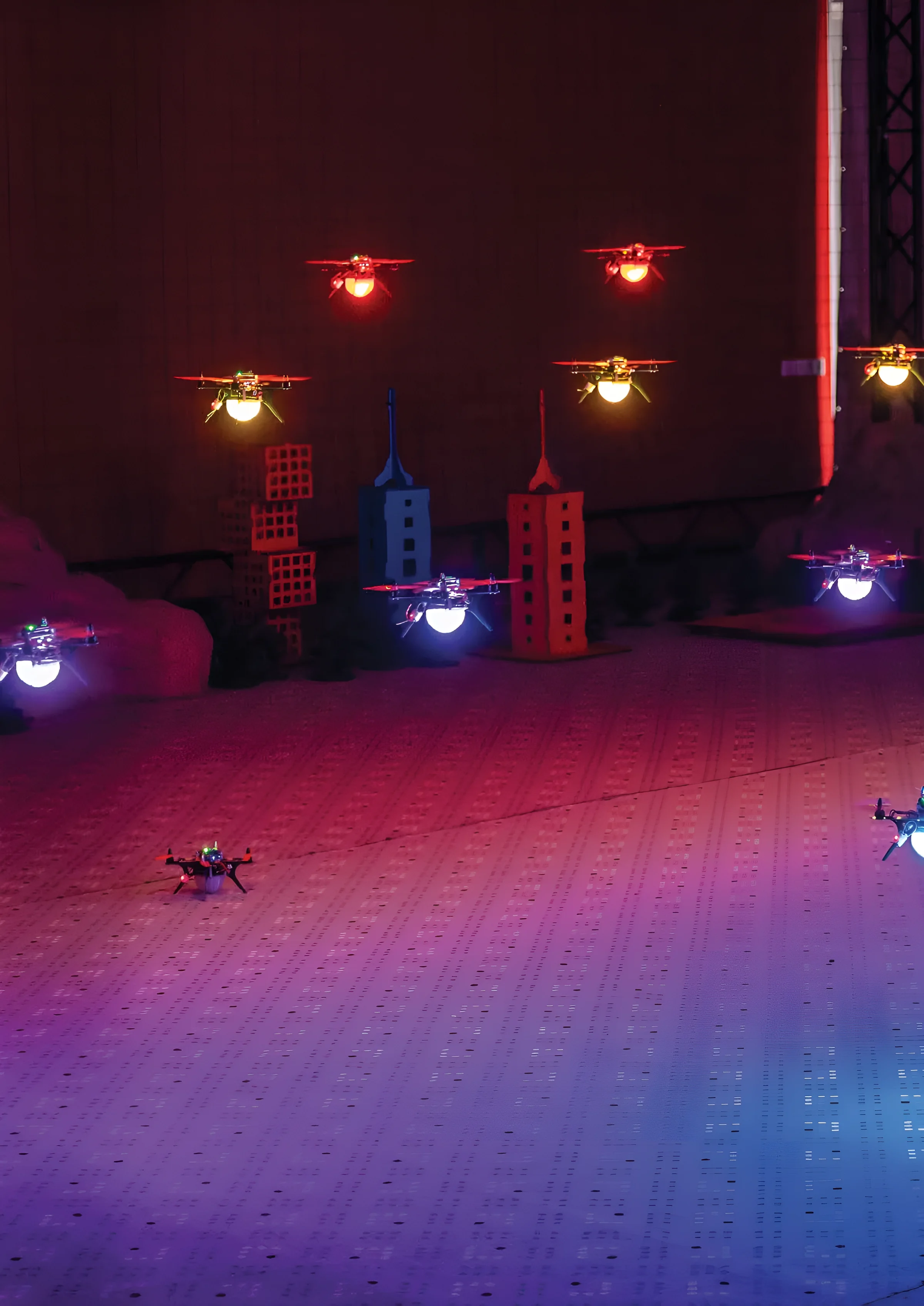
Twenty modified Orion O1 drones, each with an LED module and an ultrasonic navigation receiver, draw light figures in the air.
From a phone app for first flights to simulators and mission planning, every tool is built to work with Polaris drones and lessons.
Block programming on a phone, plus manual control with a live first-person view.
Designs flight tasks, prepares and controls flights (including manual control), monitors live video and georeferences the footage.
Updates drone firmware, configures the autopilot, builds and uploads flight missions, and runs test scripts.
Tests and tunes flight tasks on screen: start the motors, practise take-off and landing, fly to set coordinates, and read sensor data and the exact position of each drone.
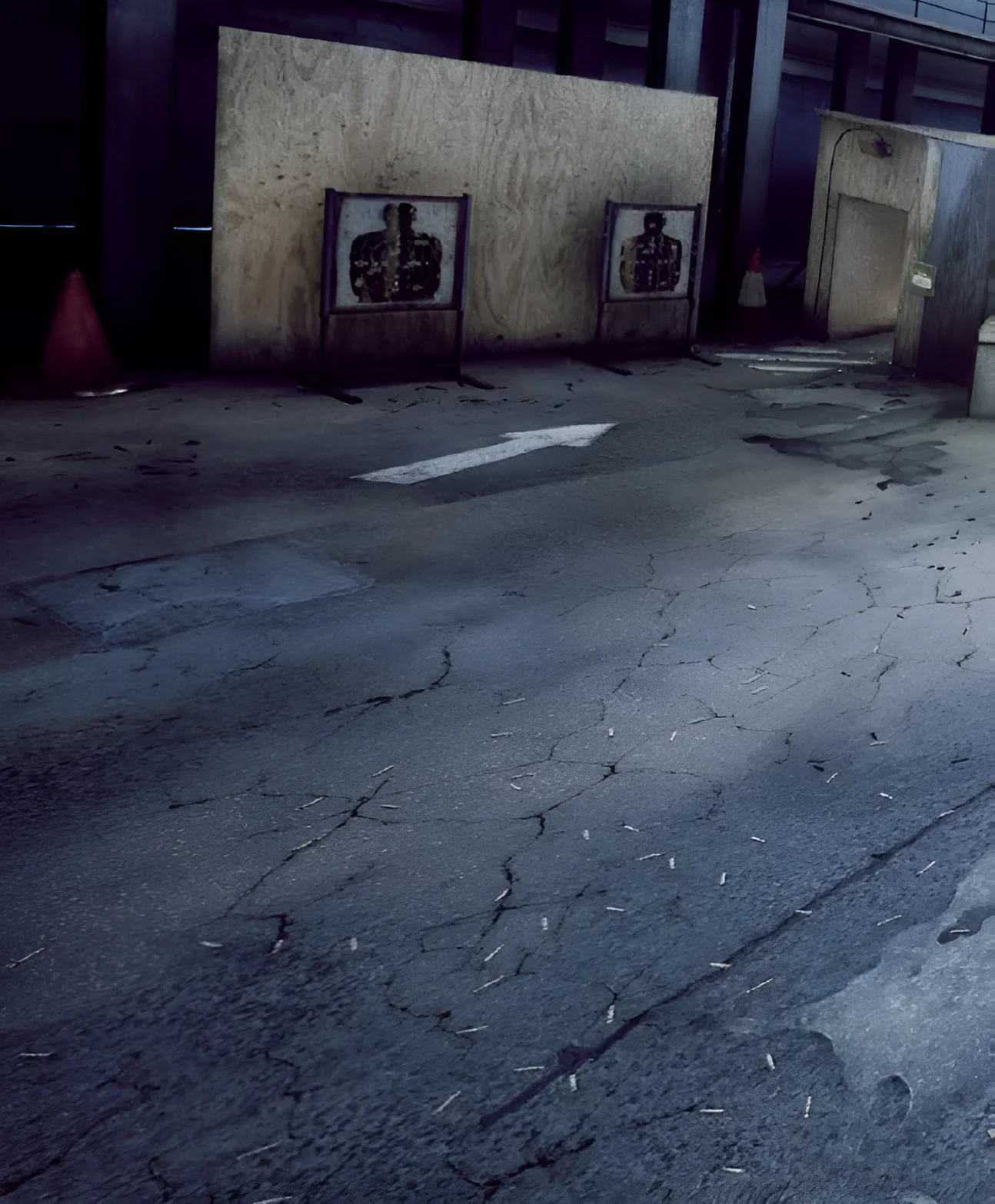
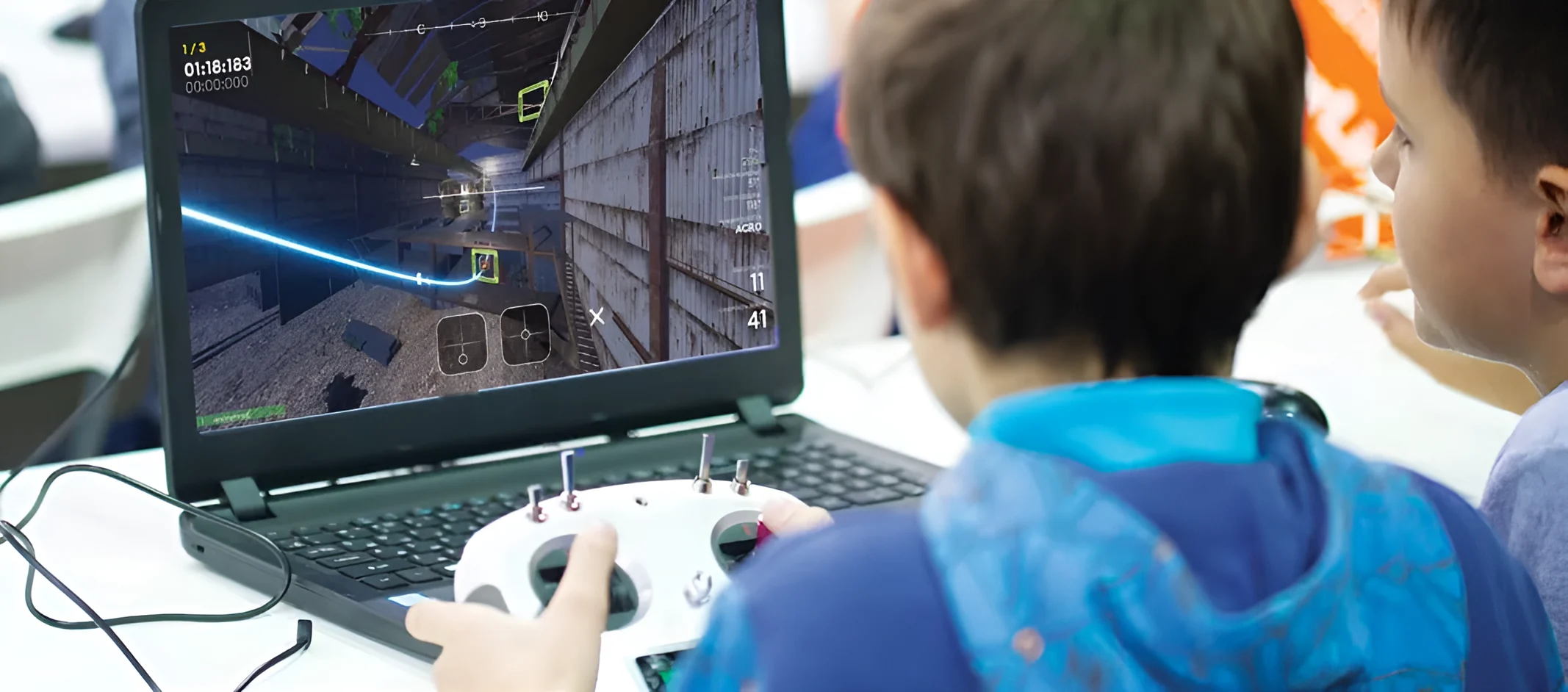
A realistic simulator for manual flying. Students improve piloting, aerial photography and filming on a computer with a gamepad or radio controller, across several game modes and weather conditions.
Programme flights by snapping blocks together, the easiest way into coding for younger classes.
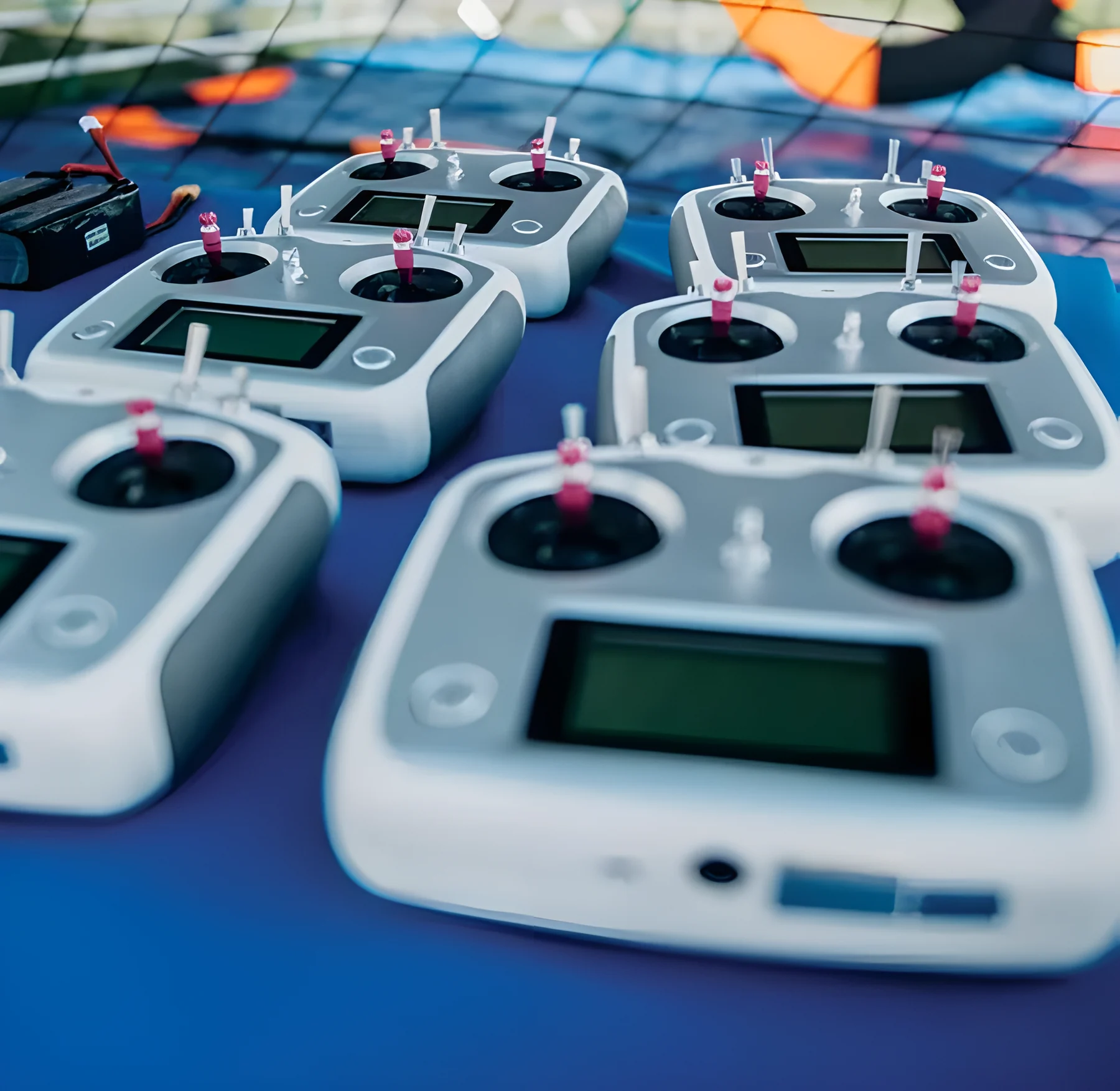
The step up from blocks to real code, with programming in Lua, Python and C++.
Polaris drones also work with professional photogrammetry software for processing aerial survey data, and with block-programming environments used in early lessons.
Netted arenas make indoor flying safe, and double as training grounds and competition venues.
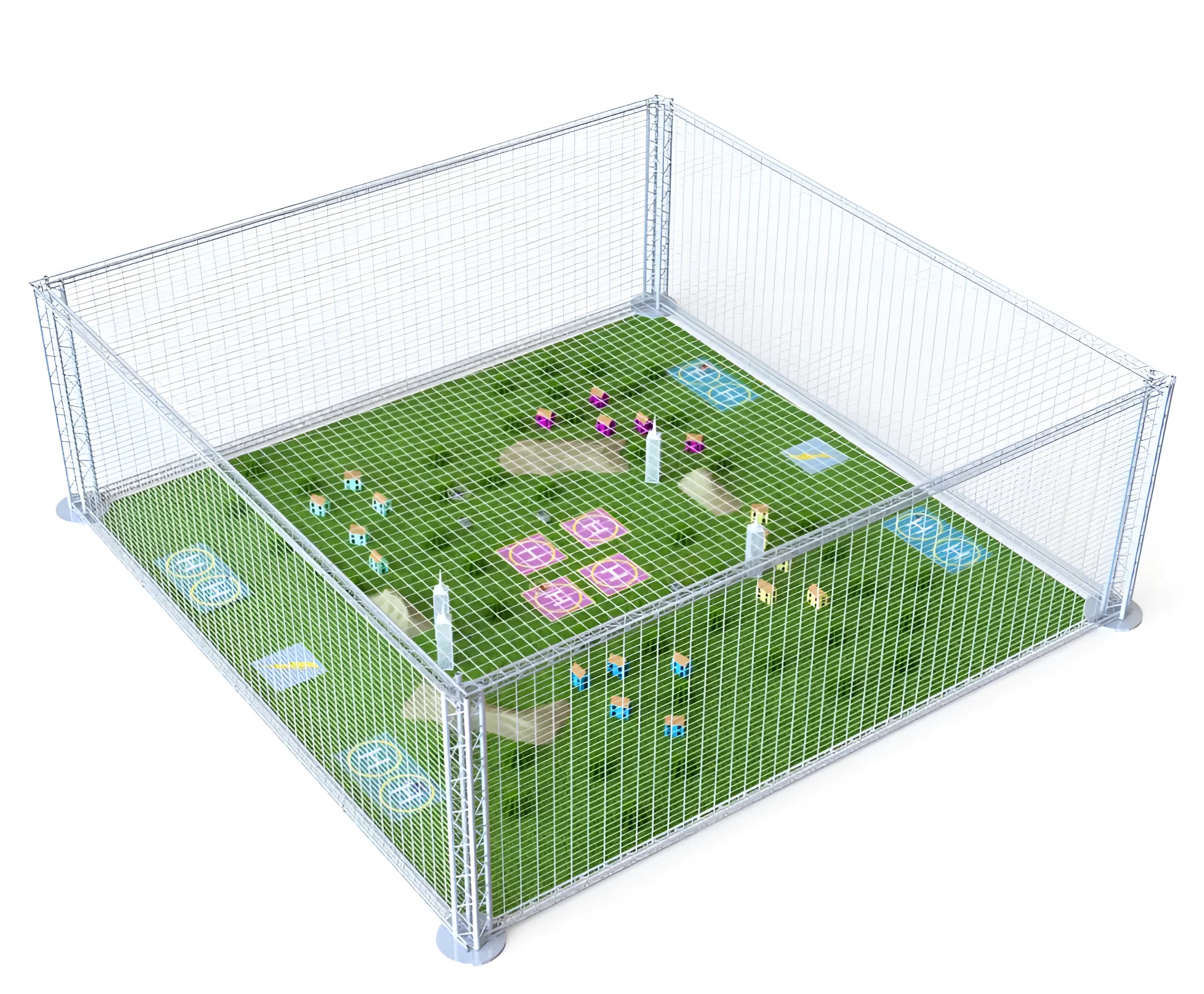
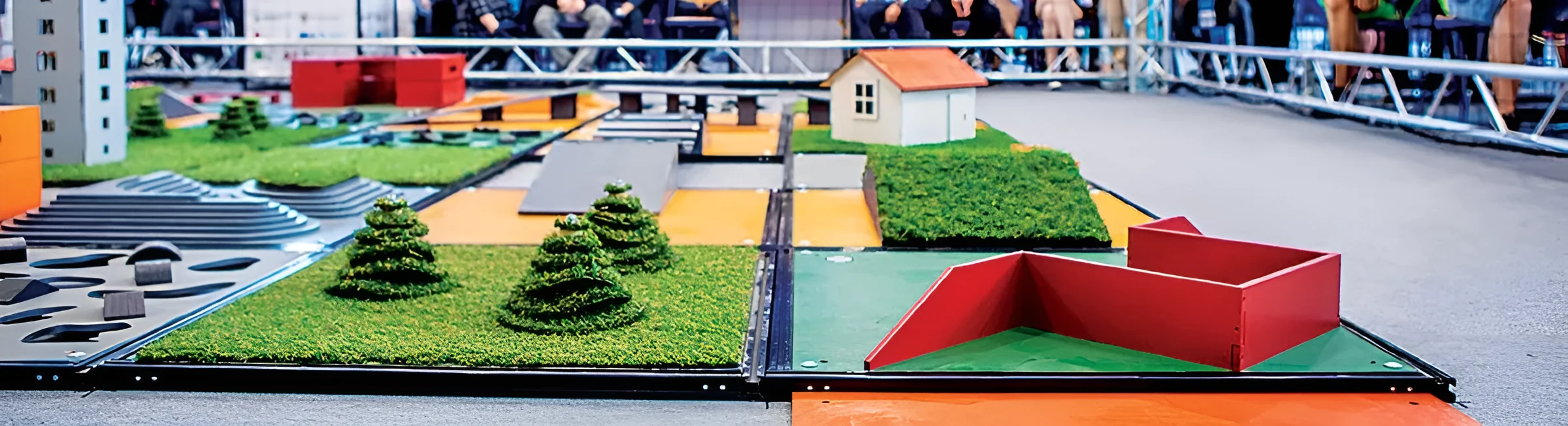
A netted range fitted with ultrasonic indoor navigation, lighting, video broadcasting and visualisation systems. Inside are landing pads, launch positions and models of houses, vehicles, hills and forests.
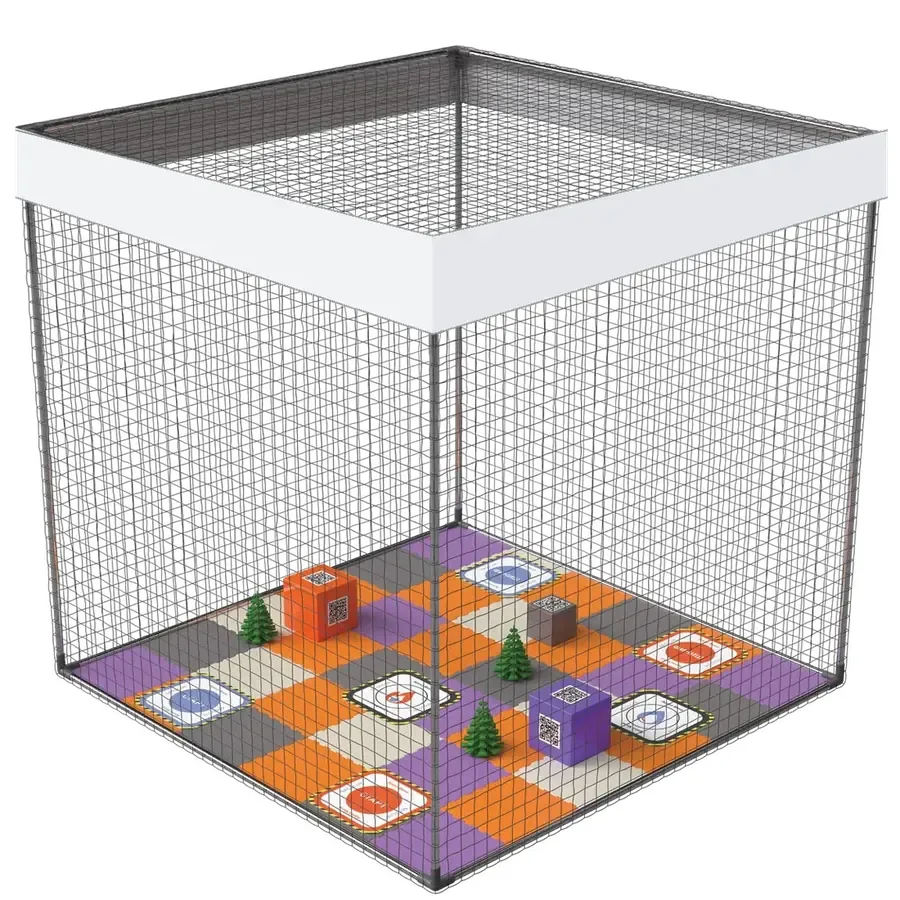
A complete environment for programming and controlling drones and robots, made for schools, universities and after-school centres. It is compact, mobile and safe, so it sets up right in the classroom.
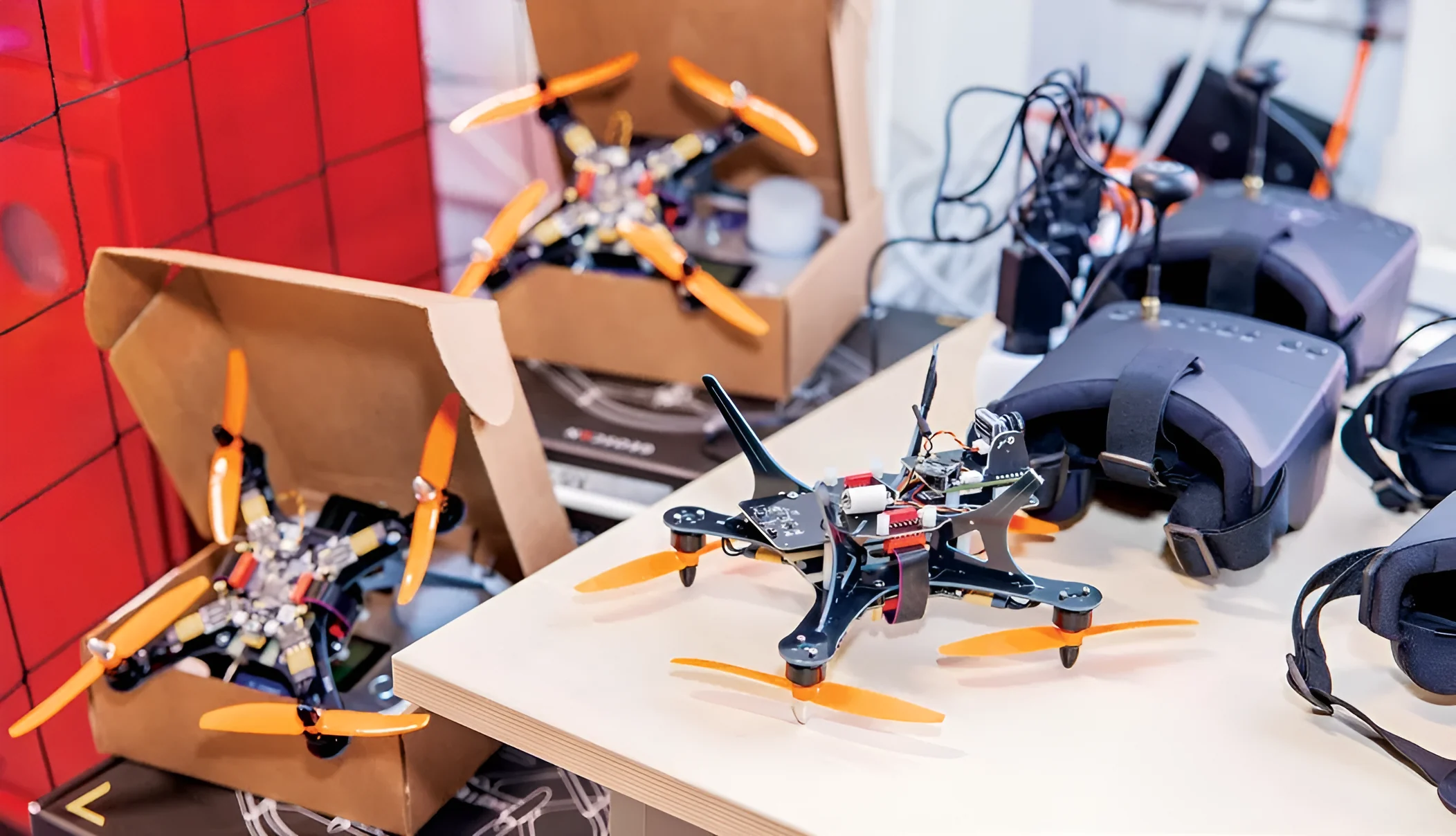
Every Polaris kit is a complete teaching system, ready for the classroom.
Hands-on, experiential learning and coding from the middle years, as the National Education Policy 2020 encourages, with equipment that is safe for every class.
We plan the space and install the drones, arena and software at your school.
Your teachers learn the equipment and lessons before the first class.
We also deploy our fully trained instructors full time at your school to run classes in the lab.
Help with equipment, spares and lessons whenever your lab needs it.

We'll set up a Polaris Drone Lab on your campus. Tell us about your school and our team will get back to you.